
LiDAR scan (room and object)
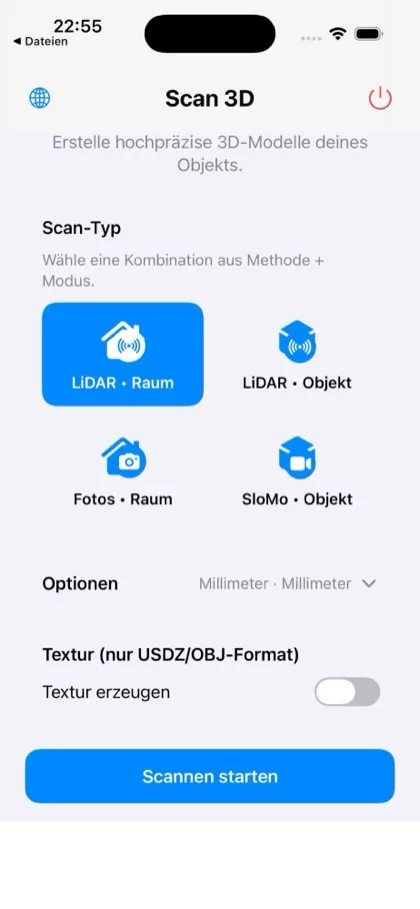
Highest precision on iPhone Pro and iPad Pro models with a LiDAR sensor – for rooms, furniture and objects.
Your iPhone as a 3D scanner for rooms and objects.
Scan 3D captures rooms, furniture and objects with LiDAR, photogrammetry or SloMo video, cleans them up in the viewer – e.g. with the red pen – and exports them as STL, OBJ or USDZ, including dimensions in millimetres or inches.

Highest precision on iPhone Pro and iPad Pro models with a LiDAR sensor – for rooms, furniture and objects.
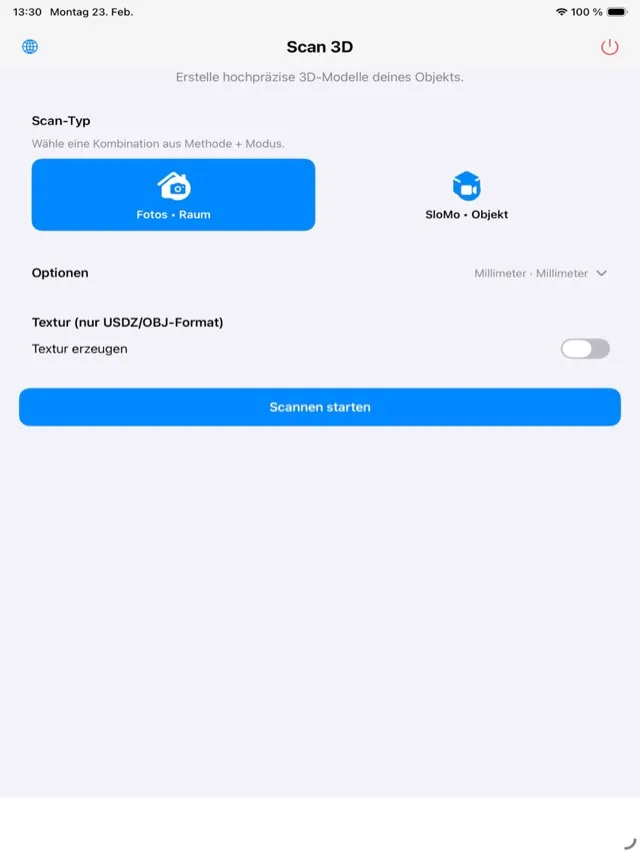
Creates 3D models from multiple photos – even without LiDAR.
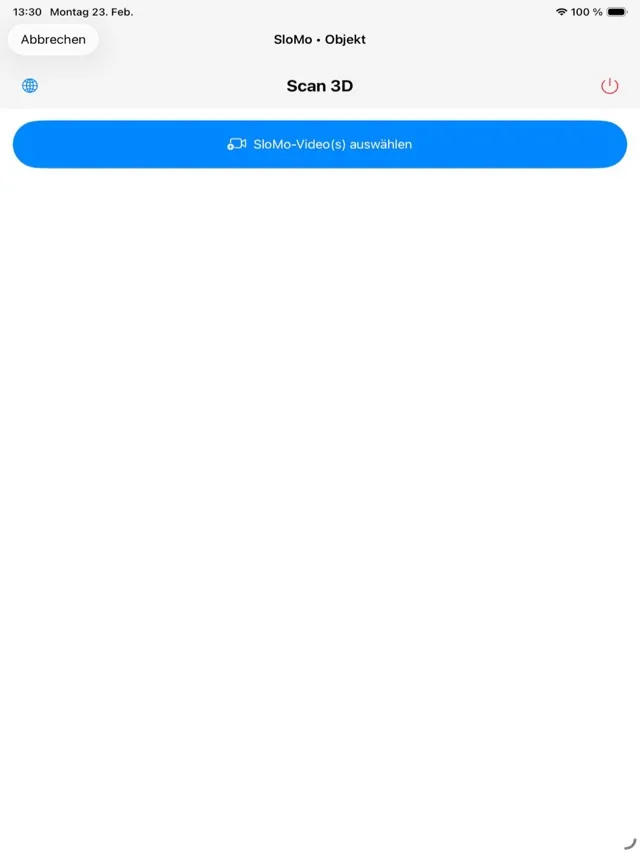
Simply circle the object with the slow-motion camera – no LiDAR needed.
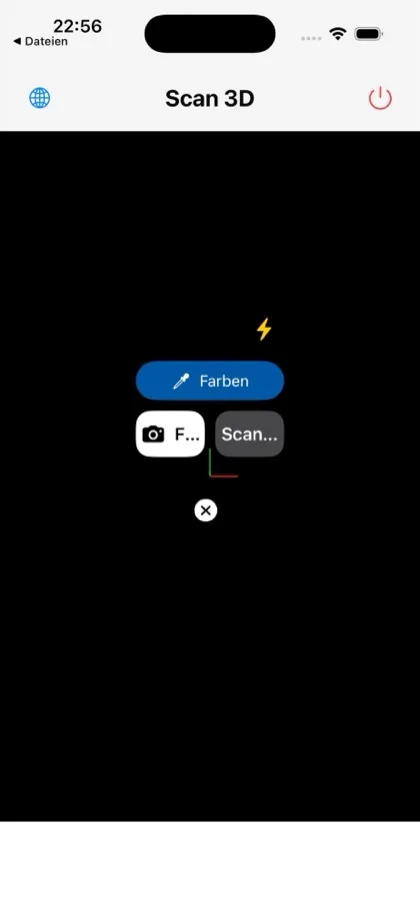
Automatically detects walls, windows and doors and displays them in colour.
Dimensions and volume in millimetres or inches. On devices without LiDAR, QR-marker calibration still scales your models to real size.
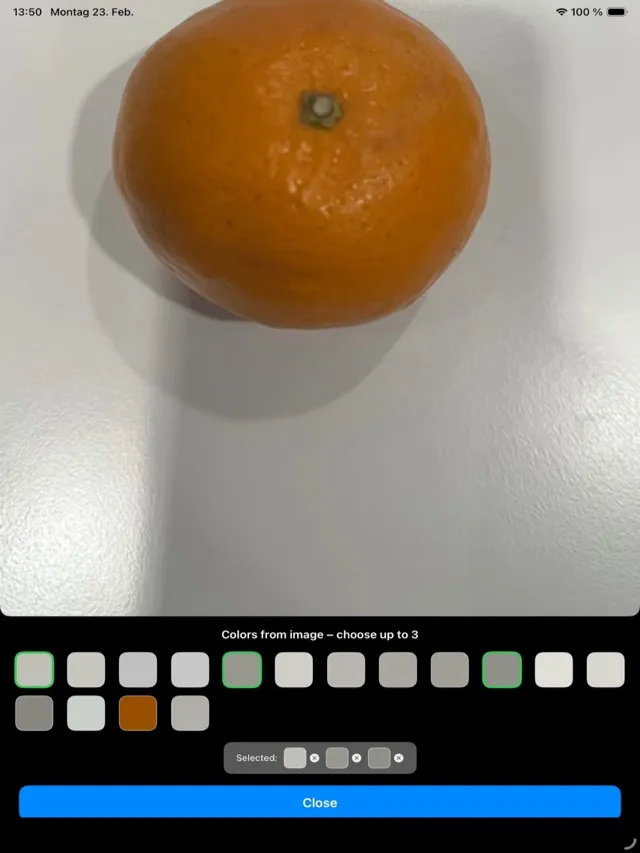
Find holes, review them sorted by size and close them selectively, remove unwanted areas with the red pen and hide colours (e.g. the tabletop).
Axis system, wireframe view, statistics and adjustable lighting.
STL (3D printing, CAD), OBJ (with texture) and USDZ (AR, Apple) are free. STEP and PLY for CAD workflows are an optional purchase.
Scan a room and mark your devices directly in the 3D model – e.g. for a 3D floor plan in your Home Assistant dashboard.

The app creates and edits scans locally on your device. The free app shows ads from Google AdMob; it asks for your consent to tracking and reads the advertising ID only with your permission. Details: Privacy
The pricing model was changed recently; the App Store listing is authoritative. Subscriptions renew automatically unless cancelled at least 24 hours before the end of the period.
iOS and iPadOS 17.0 or later, macOS 14.0 or later (photogrammetry on Mac). LiDAR scanning requires a device with a LiDAR sensor (iPhone/iPad Pro).